Blog
Guides, tutorials and comparisons for creators who film follow-along workouts and edit them themselves.
TutorialOctober 14, 2026
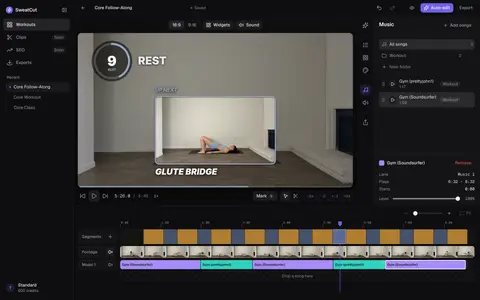
Turn the music down when you talk, with Auto ducking
Where to switch on Auto ducking in SweatCut, how far to let the music drop, how long to keep it down between sentences, and how to check the result by ear.
GuideOctober 14, 2026
How to add an intro and outro to a workout video
The words a workout video's intro needs, where to put it so nobody stands waiting, and how to line the outro up with YouTube's 5–20 second end screen.
GuideSeptember 29, 2026
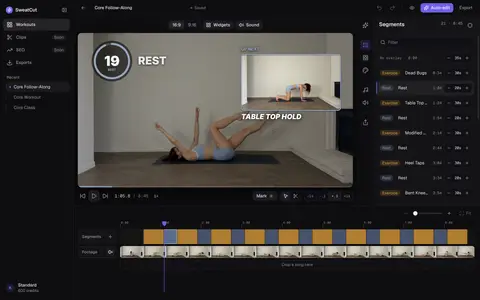
The best video editor for fitness creators in 2026
Making follow-along workouts? SweatCut does the whole edit for you: timers, exercise names, up next, branding and music. Plus the best picks for everything else.
ComparisonSeptember 28, 2026
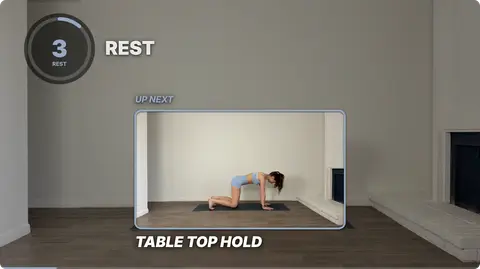
Fit Cut Pro vs SweatCut for follow-along workouts
Fit Cut Pro is built for live Zoom classes and clip-built workouts. SweatCut is for creators who film a follow-along in one take and want it edited fast.
ComparisonSeptember 26, 2026
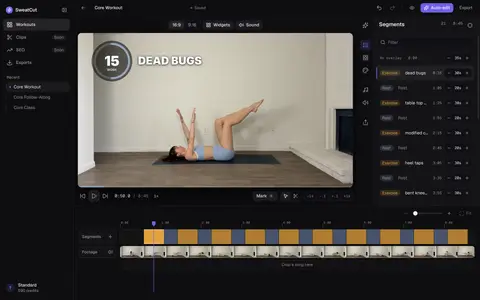
CapCut vs SweatCut for workout videos
CapCut is great for Reels and Shorts. For full follow-along workouts, SweatCut puts every timer, exercise name and up next on the video for you.
GuideSeptember 25, 2026
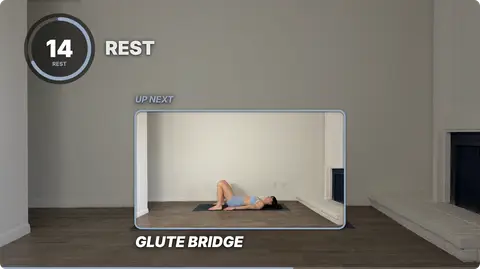
How to make a follow-along workout video, from plan to post
Plan it, film it in one take, then add the timers, exercise names and music. Every step of a follow-along workout video, from the plan to the upload.
GuideSeptember 24, 2026
How to add music to a workout video
Where to find songs you're allowed to use, what to do if YouTube flags one, and how to keep the music under your voice and the countdown beeps.
GuideSeptember 22, 2026
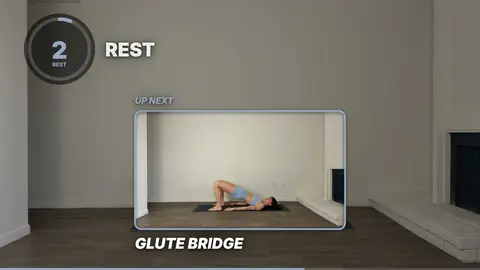
What to put on screen in a follow-along workout video
The timer, the exercise name, up next and a progress bar: what goes on screen during work and rest, where it sits, and how big to make it for a TV or a phone.
GuideSeptember 21, 2026
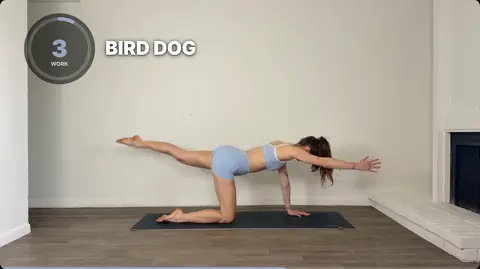
How to add a timer to a workout video you already filmed
Already filmed your workout? Open it in SweatCut, click Mark where each exercise and rest starts, and a countdown lands on every one. Or let auto-edit do it.
TutorialSeptember 19, 2026
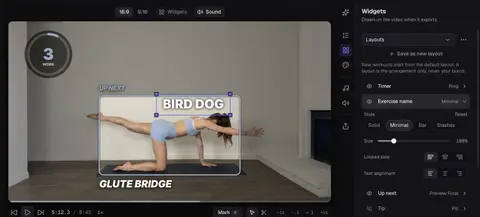
Set up your brand and layout once in SweatCut
Add your logo, colour and font, pick a timer style and place the widgets. Save them as defaults, and every new workout opens looking like your channel.
GuideSeptember 18, 2026
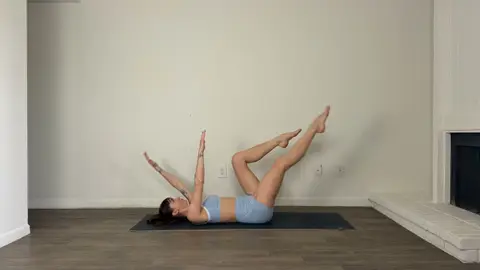
How to film a workout video at home with your phone
The phone you already own is all you need. Where to put it, how to light the room, how to get clear sound, and a quick checklist before you hit record.
TutorialSeptember 16, 2026
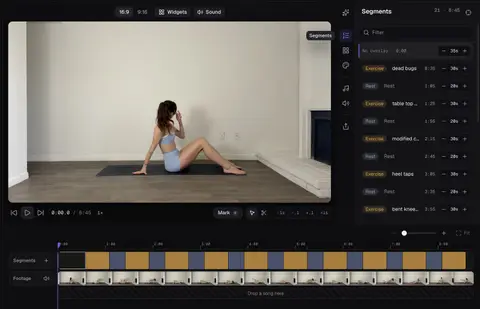
How to auto-edit a workout video in SweatCut
Describe the workout, set where it starts and press Run. SweatCut's auto-edit marks every exercise and rest by name, and nothing changes until you apply it.
TutorialSeptember 15, 2026
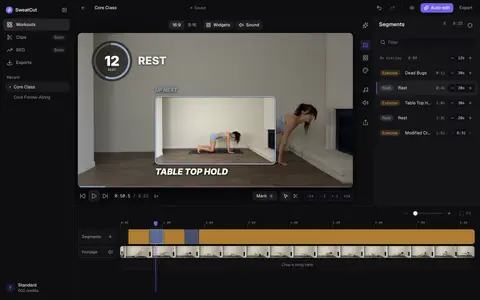
Edit your first workout in SweatCut
Your first follow-along in SweatCut: drop in the recording, mark each exercise, type the names, cut the dead time and export. The timers place themselves.