Guide8 min read
How to add an intro and outro to a workout video
The words a workout video's intro needs, where to put it so nobody stands waiting, and how to line the outro up with YouTube's 5–20 second end screen.
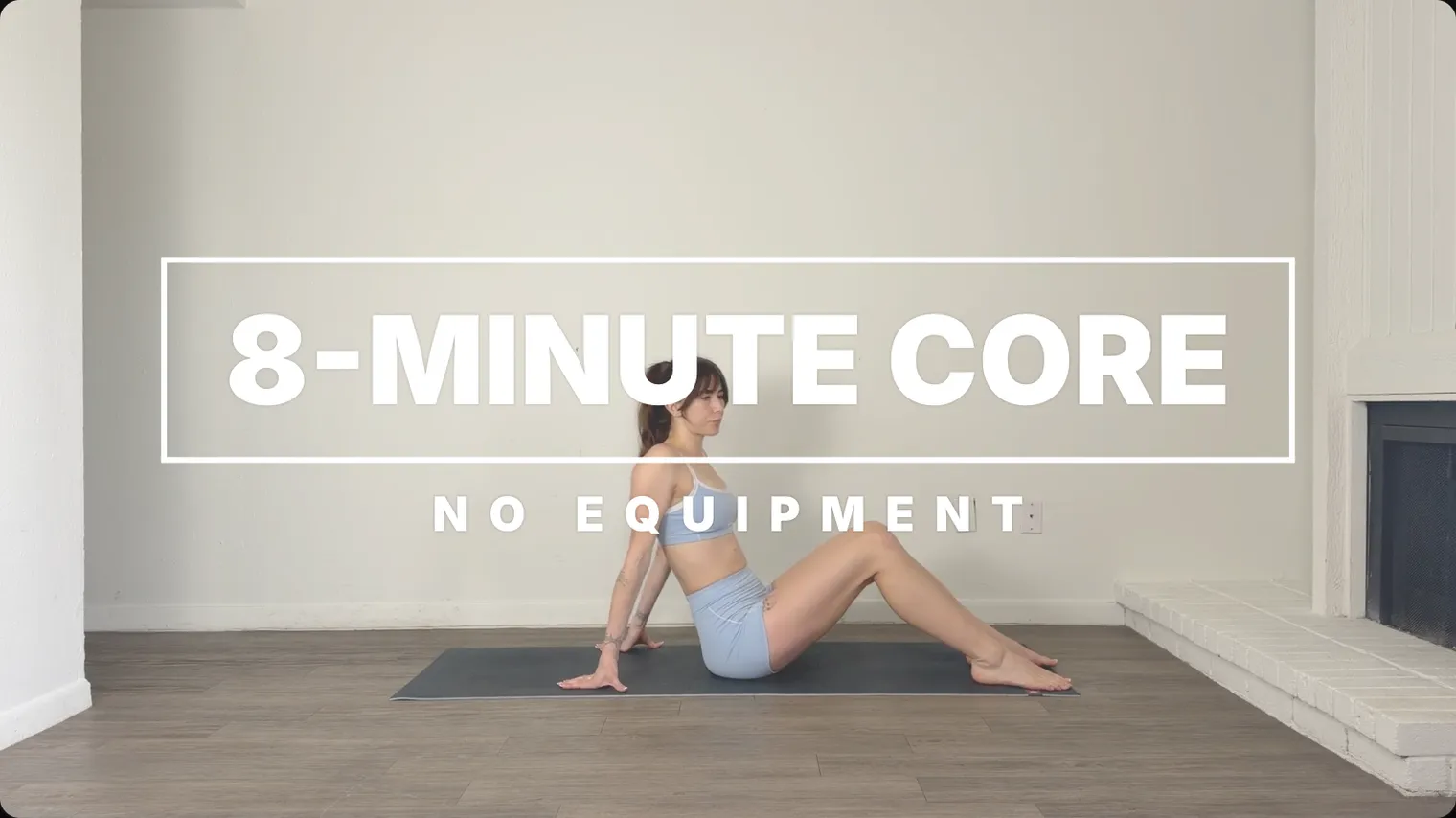
Keep the intro to a few seconds and lay it over the start of the warm-up, so people can start moving straight away. It says what the workout is, how long it runs and what to grab. The outro thanks them and points to your next workout, timed to run with YouTube’s end screen in the video’s last 5–20 seconds.
Keep the intro to a few seconds
Someone who presses play on a follow-along is usually already in their workout clothes, with the mat out. They picked your video from its title and thumbnail, and in the first few seconds they want to check they picked right. Anything longer, like a logo animation or a minute of chat, is time they spend standing still.
What should a workout video intro say?
Use the words people type when they search, and the same words as the video’s title on YouTube, so the screen matches what they clicked.
- What the workout is, by body part or format, like “Full-body dumbbell workout” or “Low-impact cardio”.
- How long it runs: “30 minutes”. People choose a workout by the time they have.
- What to grab: “Two dumbbells and a mat”, or “No equipment”.
That fits in two lines, a title and a short line under it:
| Title | Line under it |
|---|---|
| FULL-BODY DUMBBELL WORKOUT | 30 MINUTES · TWO DUMBBELLS AND A MAT |
| LOW-IMPACT CARDIO | 20 MINUTES · NO EQUIPMENT |
Say it out loud as well, something like “Thirty minutes, full body, grab two dumbbells and a mat.” That reaches the person still finding their weights in the next room.
Leave the full exercise list out of the intro. It belongs in the description as YouTube chapters (timestamps that split the video into sections), which how to make a follow-along workout video explains.
Lay it over the warm-up
A title card on a black screen makes everyone wait for it. Put the intro over the first seconds of the warm-up instead. While you march on the spot or roll your shoulders, people copy you and the words tell them what they’ve joined. If you film the whole workout in one take, as in how to film a workout video, the warm-up is already there to put it over.
Four or five seconds is long enough to read a title and a short line twice. Keep it inside the middle 80% of the frame and make the words big enough to read from the mat. What to put on screen in a workout video explains both, with sizes.
Keep it off the first exercise. When the first move starts, the screen belongs to the countdown and the exercise name, and an intro still up at that moment sits on top of them or fights them for attention. Let it fade with a few seconds of warm-up still to go.
What should a fitness video outro say?
The outro thanks people for finishing and gives them one next step. Make that step a named workout, like “Tomorrow: 20-minute lower body” or “Next: week 2, day 1”. A request to subscribe, like, comment and download your app, all at once, is too much to read during a cool-down.
Put it over the cool-down or the last stretch, while you’re still on screen. A black card after the last rep looks like the video has already ended.
Say the next workout out loud too. Not everyone sees YouTube’s end screen: YouTube Help says it may not always show, or may show differently from how you designed it, and viewers can hide it.
How YouTube’s end screen works
An end screen is a set of clickable boxes that YouTube lays over the end of your video, such as a video to watch next or a subscribe button. You add it in YouTube Studio, while you upload or afterwards from the video’s Editor.
| What YouTube Help says | What it means for the outro |
|---|---|
| End screens go on the last 5–20 seconds of a video | Plan the last 20 seconds as outro time |
| The video has to be at least 25 seconds long | Every full workout qualifies |
| Up to four elements on a 16:9 (landscape) video; other aspect ratios (the frame’s shape, like vertical) may have fewer | Leave room for four boxes |
| Elements can be a video, a playlist, a subscribe button, another channel, or a website for YouTube Partner Program members | Point to the next workout, or the program’s playlist |
| Card teasers and video watermarks are hidden while it shows | Put your name or logo on the outro itself |
| It doesn’t show on mobile web (except iPad), in the YouTube Music or YouTube Kids apps, in 360 videos, or on videos set as made for kids | Say the next workout out loud |
YouTube’s own advice is to “leave enough space and time at the end of the video for an end screen” and to consider the last 20 seconds when you edit. So don’t end the export the moment the last stretch finishes. Keep 20 seconds of footage after you name the next workout.
The video element can be your most recent upload, one YouTube picks to suit each viewer, or a video or playlist you choose. For a workout channel, picking the next workout or the program’s playlist yourself does what the outro just promised.
Keep the outro’s words clear of the end screen
The end-screen boxes sit on top of your video, and you drag them into place in YouTube Studio, with a grid to line them up. Decide where they go once, for example the video boxes across the lower half with Subscribe beside them, and design the outro around that spot. The words go in the top part of the frame, and nothing you need people to read sits under a box. Use the same arrangement on every video so people know where to look.
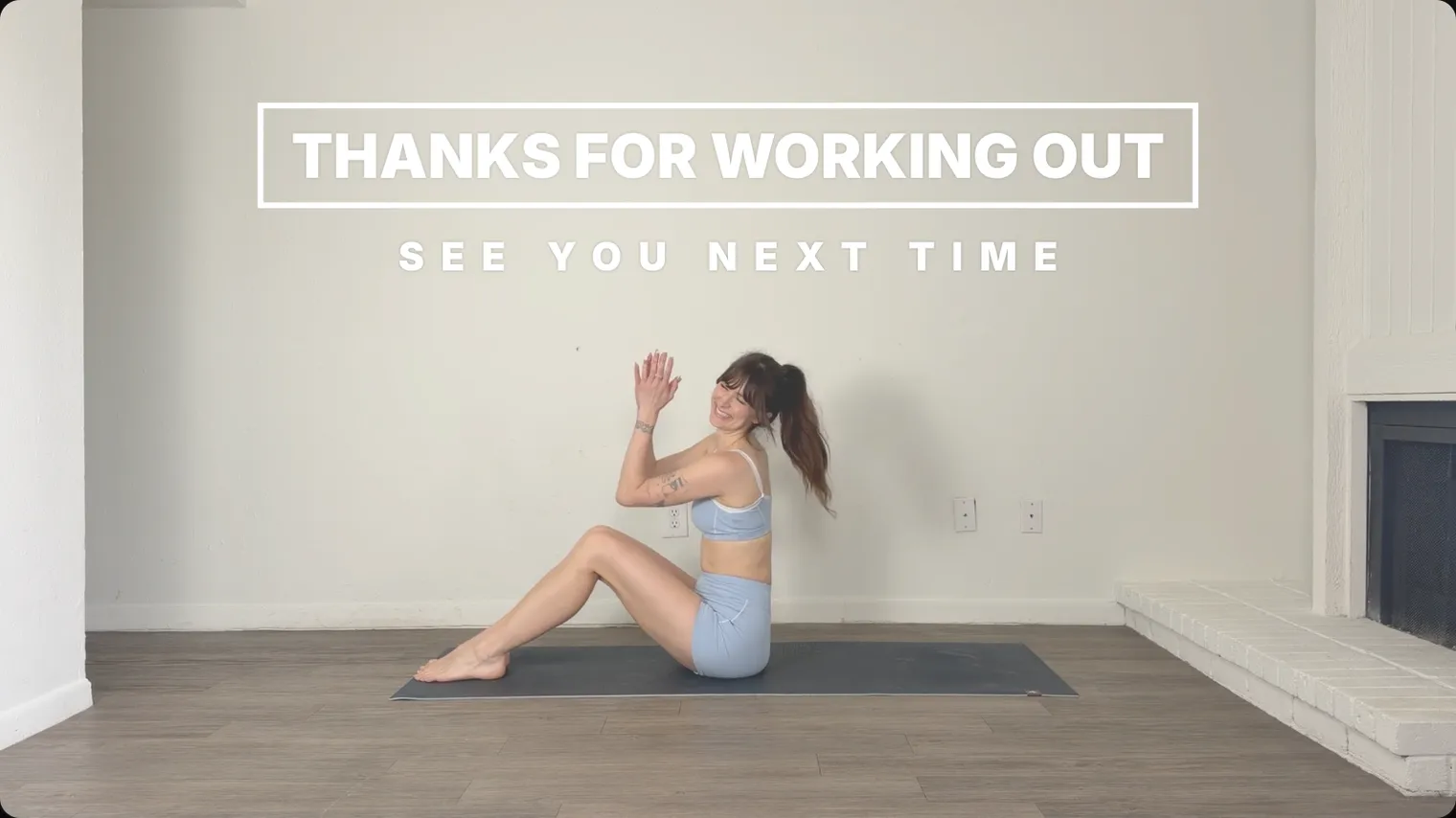
Time the two together. Keep the outro’s words up for as long as the end screen runs, and start the end screen as you say the next workout’s name, so the box appears while you mention it. YouTube lets you set when each element starts and ends, so Subscribe can come a few seconds after the video box. Play the video in Studio’s preview to check that no box covers a word.
Shorts and vertical videos
YouTube Help’s limit of four end-screen elements is for 16:9 videos, and it says other aspect ratios may allow fewer. To send a Short’s viewers to the full workout, YouTube Help describes a related video: a clickable link below your channel handle, which needs advanced feature access.
Intros and outros in SweatCut
In SweatCut an intro or an outro is a graphic, placed at one moment of the video. Open the Graphics panel from the column of icons on the right edge of the editor.
- Move the playhead (the line that marks where you are in the video) to the start of the warm-up. Click + Graphic and choose Intro. It lands at the playhead.
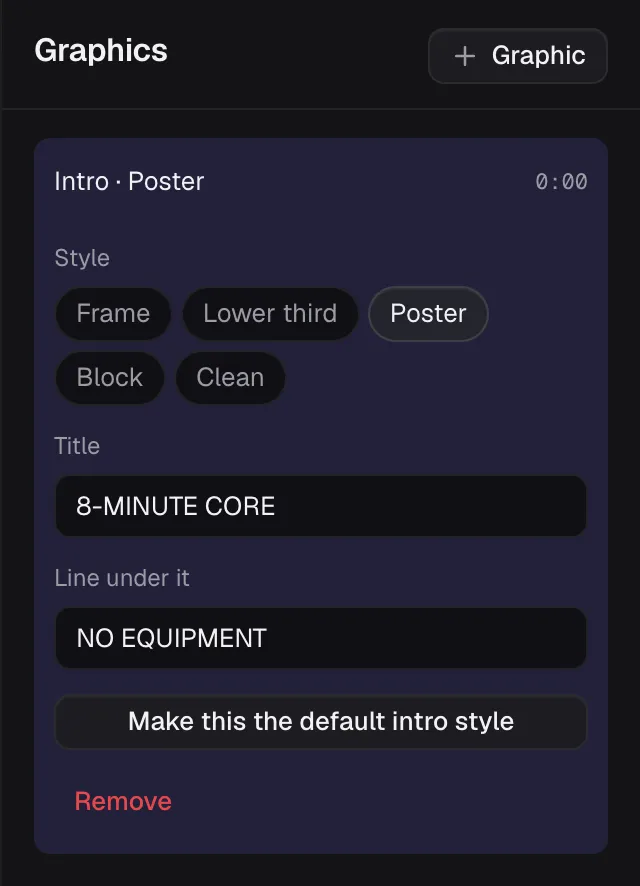
- Pick a Style: Frame, Lower third, Poster, Block or Clean.
- Type the Title and the Line under it.
- Find the intro on the timeline’s Graphics row. Drag it to move it, and pull its right edge to keep it up longer or shorter. A new intro stays up 4.5 seconds, and you can’t pull a graphic shorter than 3 seconds.
- If you picked a different style, click Make this the default intro style, and the next intro starts in it.
 Frame
Frame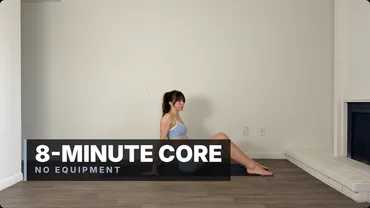 Lower third
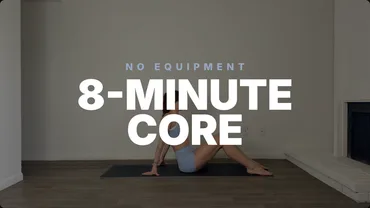 Poster
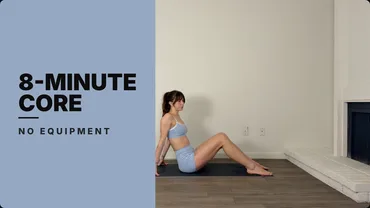 Block
Block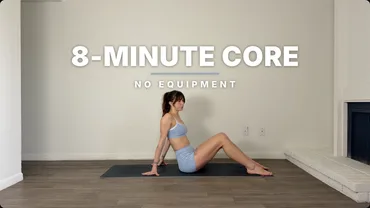 Clean
Clean
For the outro, move the playhead to where you name the next workout and choose + Graphic, then Outro. Its styles are Frame, Band, Column, Shout and Tag, and each keeps its words clear of where YouTube’s end-screen buttons land. A new outro stays up 10 seconds; pull its edge to run it as long as the end screen.
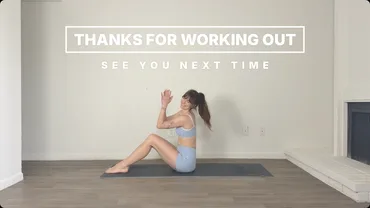 Frame
Frame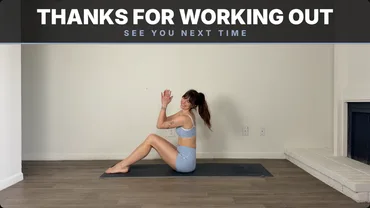 Band
Band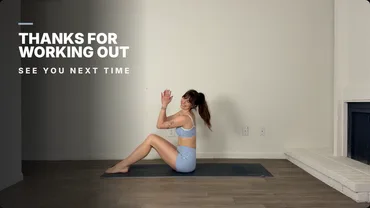 Column
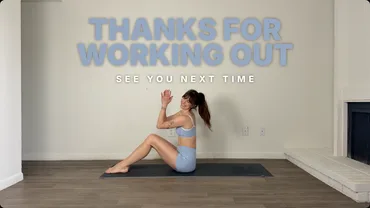 Shout
Shout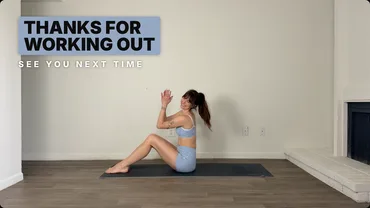 Tag
Tag
Every style but Frame, which is all white, wears your colour from the brand you set up, and the words stay readable on a dark one. Every graphic leaves with a half-second fade. A graphic follows the footage it sits on, so cutting dead time out earlier in the video carries it along, and a cut never removes one.
SweatCut doesn’t add the end screen. Add it in YouTube Studio when you upload, or later from the video’s Editor, and line its boxes up with the space the outro left.
Questions
Should a workout video have an intro?
Yes, a short one. Put the workout's name, its length and the equipment over the first few seconds of the warm-up, so people can check they picked the right video while they start moving, and let it fade before the first exercise starts.
How long can a YouTube end screen be?
Between 5 and 20 seconds. YouTube Help says end screens go on the last 5–20 seconds of a video, and the video has to be at least 25 seconds long to have one.
How many elements can a YouTube end screen have?
Up to four on a standard 16:9 (landscape) video, according to YouTube Help. Videos in other aspect ratios may be limited to fewer.
Why is my YouTube end screen not showing?
YouTube Help says end screens don't show on mobile web (except on iPad), in the YouTube Music or YouTube Kids apps, in 360 videos or on videos set as made for kids, and viewers can hide them. It also says an end screen may not always show, or may look different from how it was designed.
How do I link a YouTube Short to a full workout video?
Add a related video in YouTube Studio: open the Short from Content, pick a Related Video from your channel and save. Viewers see it as a clickable link below your channel handle. YouTube says it needs advanced feature access.
Can SweatCut add a YouTube end screen?
No. SweatCut puts an outro graphic on the video, in a style that keeps its words clear of where YouTube's end-screen buttons land. You add the end screen itself in YouTube Studio, while you upload or afterwards from the video's Editor.