Guide4 min read
How to film a workout video at home with your phone
The phone you already own is all you need. Where to put it, how to light the room, how to get clear sound, and a quick checklist before you hit record.
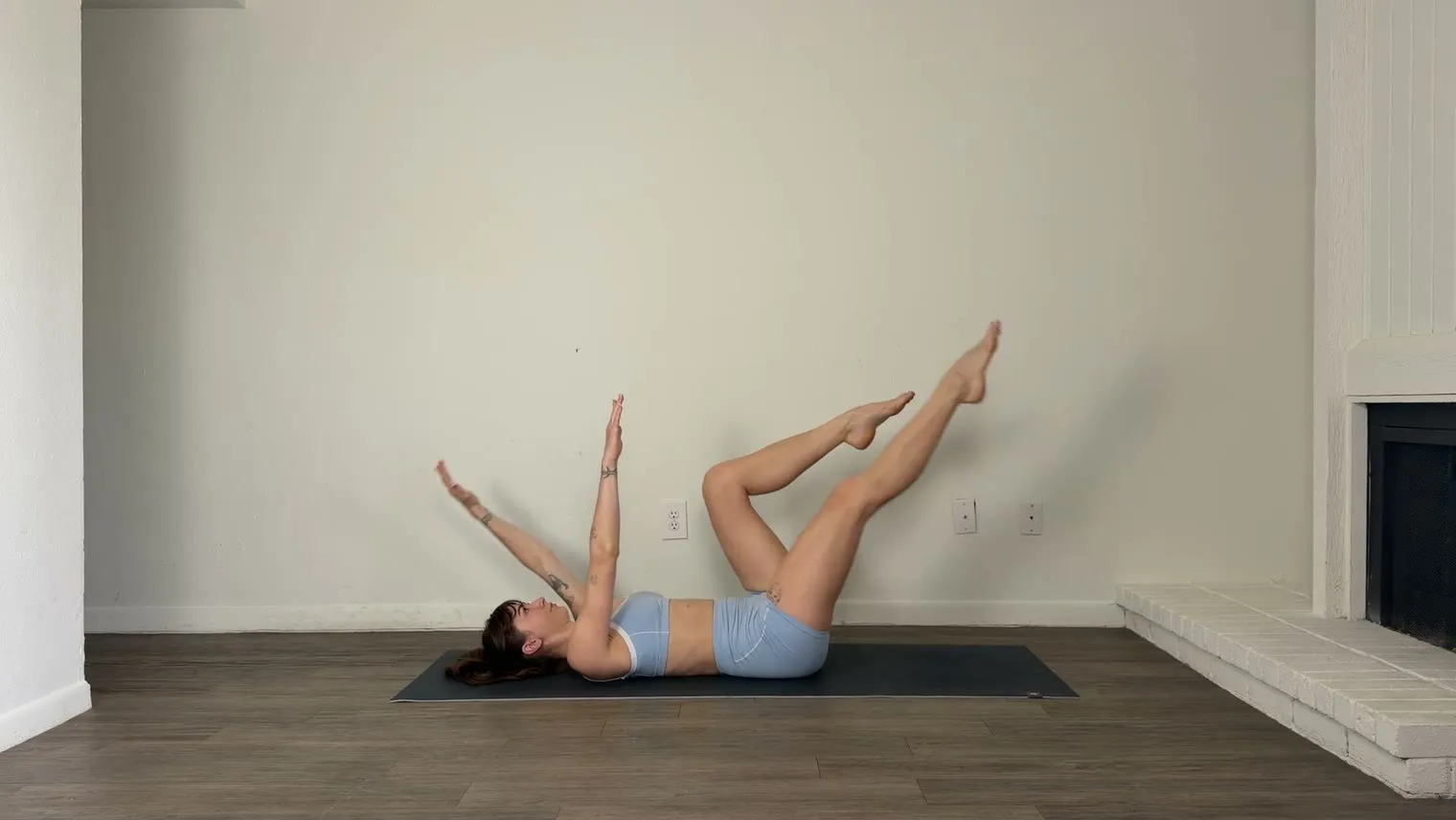
The phone you already own is all the camera you need. Put it on a tripod, face a window, clip on a mic and film the whole workout in one go.
Use the main lens, in 4K or HD
Film on the main back lens, the one marked 1x. The 0.5x ultra-wide stretches whatever sits near the edges of the frame, which is usually your hands and feet.
Set it to 4K at 30 fps (frames per second). The extra detail keeps your face and hands sharp in a full-body shot. HD at 30 fps is fine if your phone is short on space.
Put the phone at waist height, and back
- Use a tripod with a phone clamp, set at about waist height and level or tipped slightly down.
- If the workout is mostly on the mat, drop it to knee height.
- Move it back until you fit lying down with your arms overhead, which in a small room often means the opposite wall.
- Stick tape where the tripod legs stand, and every video in the series frames the same way.
Frame for the floor work
Lay the mat parallel to the camera and lie across the frame, head at one side and feet at the other. You fill the width of the shot, and viewers can see your form.
Test it before you record. Lie down with your arms overhead, then stand and reach up. If a hand or foot leaves the frame, move the phone back. With an Apple Watch, the Camera Remote app shows you the shot from the mat.
Leave one top corner clear. That’s where the timer goes.
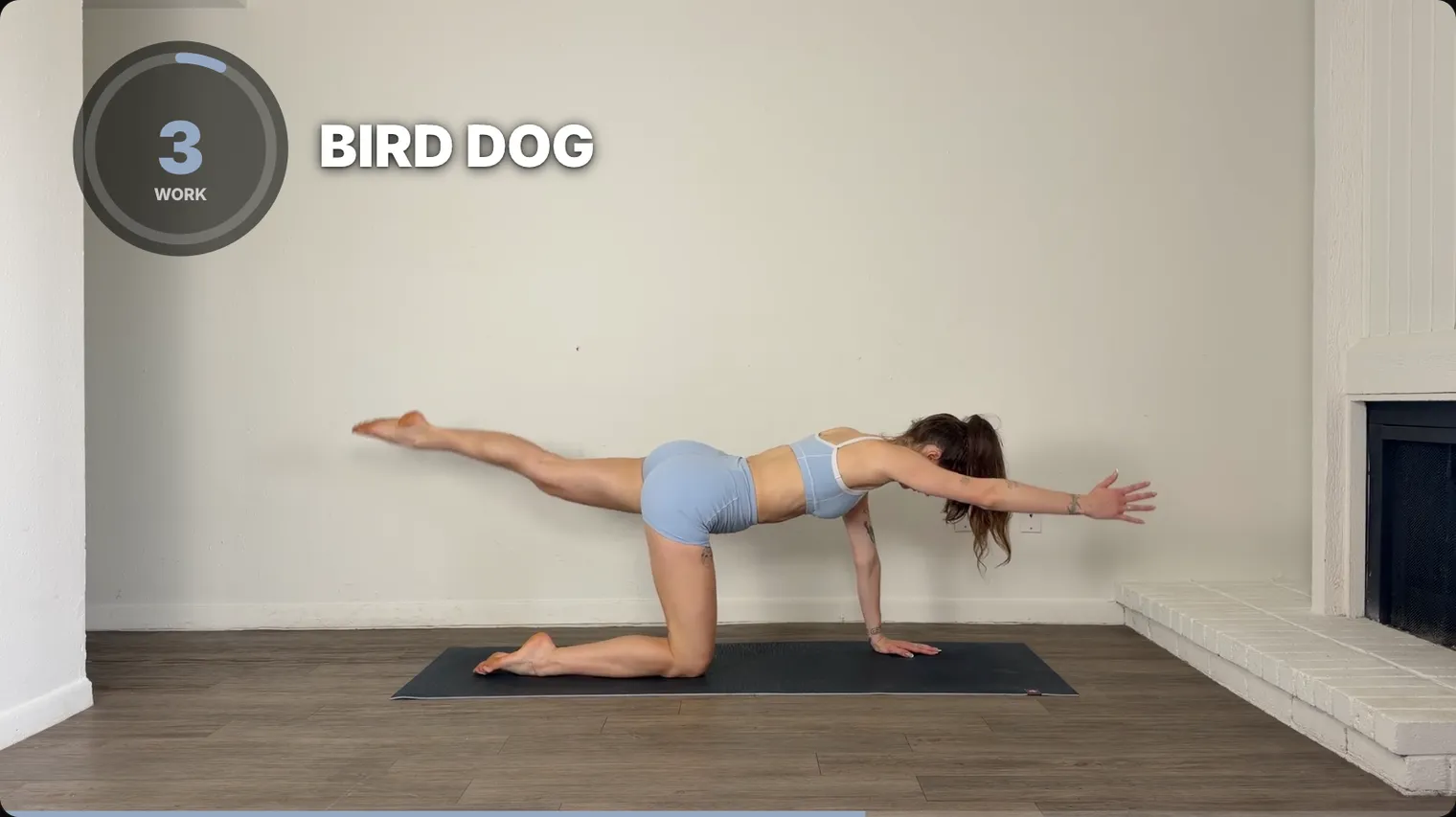
Film landscape for YouTube
Landscape (16:9) is the shape of YouTube on a TV or laptop, and a body lying on a mat fits it. Vertical (9:16) is the shape of Reels and Shorts. Pick one before you press record, because cropping one into the other throws away most of the picture.
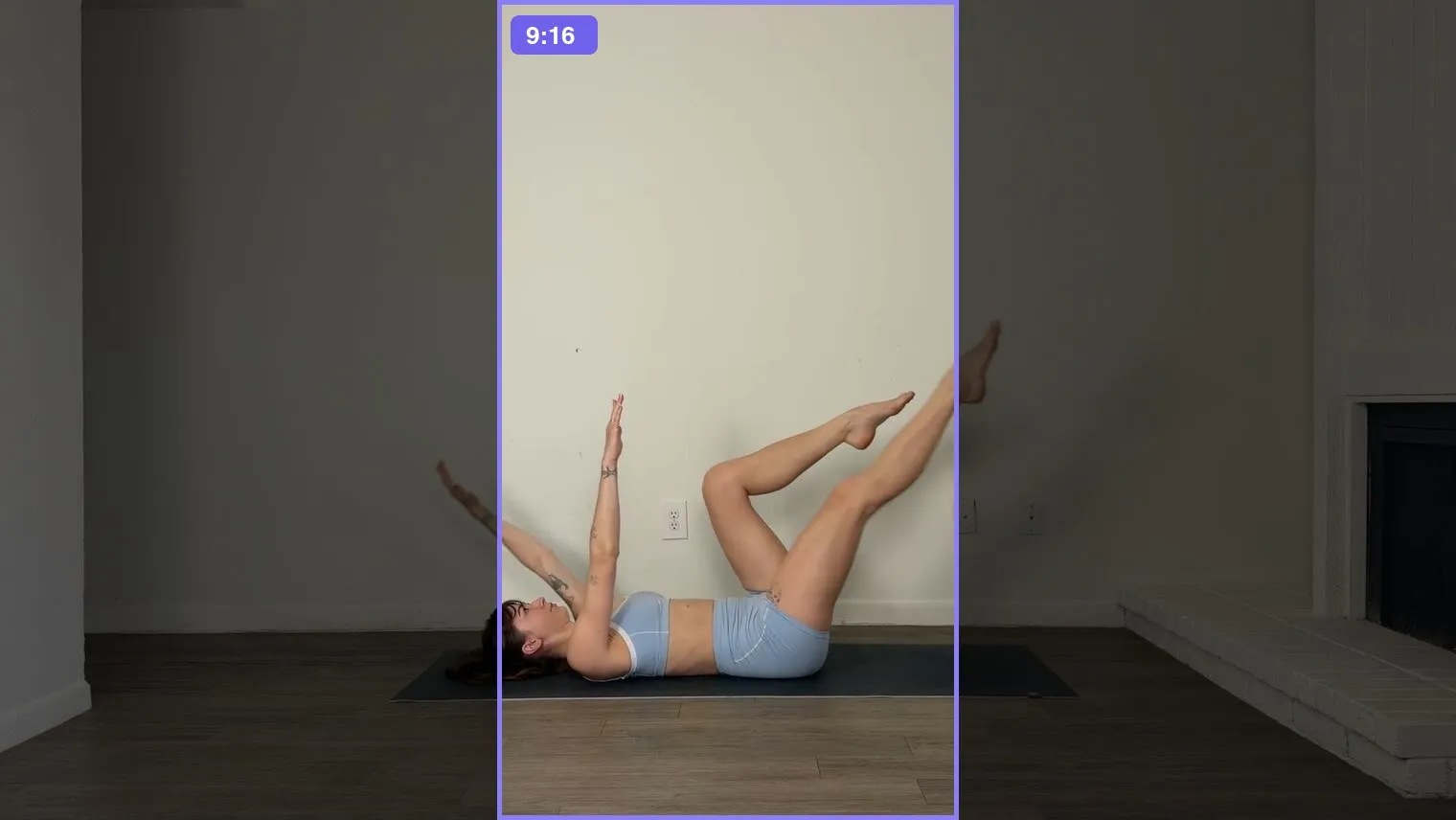
Face the window
Put the phone between you and the window, so the daylight lands on you. With the window behind you, you turn into a silhouette. In the evening, a lamp or LED panel in front of you and a little above your head does the same job.
If the picture keeps getting brighter and darker as you move, lock it. On an iPhone, touch and hold the screen where you’ll be working out until AE/AF Lock appears.
Clip a mic to your collar
People in a plank can’t see the screen, so they follow your voice. The phone’s own mic across the room sounds echoey and far away, and a clip-on mic fixes it. Go wireless if you move around, and tape down anything that swings when you jump.
Say every cue out loud, the way you would in a live class: the exercise name, “ten seconds”, “rest” and what’s coming next.
If your voice still comes out quiet, SweatCut’s Sound slider for the footage goes up to 200%, and Auto ducking turns the music down while you talk.
Leave the music for later
Music playing in the room records on top of your voice, so you can’t turn it down or swap it later. YouTube’s Content ID can also match the song when you upload, and the owner can then block the video or run ads on it. Add songs when you edit instead (here’s how). If you want the beat while you train, play it in one earbud.
Film it all in one take
Press record and keep going until the cool-down is done. Fumbled a cue? Pause, say it again and carry on. Need water? Walk off and come back. Clap once before a redo, and the spike it leaves in the audio makes the spot easy to find later.
All of that comes out when you edit. In SweatCut, you mark the stretch you don’t want and delete it, and the timers adjust themselves.
Before you hit record
- Phone charged, plugged in and on Do Not Disturb
- Enough free space for the whole take, breaks included
- Main lens, 4K or HD, 30 fps
- Landscape, waist height, tripod on the tape marks
- Frame tested lying down and standing up
- Facing the window, with the brightness locked
- Mic on and sound checked
- No music playing in the room
- Water nearby and out of frame
Once you’re done, send the video to your Mac with AirDrop or a cable. SweatCut opens it right there, so there’s nothing to upload before you start editing.
Questions
Can you film a workout video with just a phone?
Yes. A phone on a tripod, facing a window, with a clip-on mic for your voice is all you need. Film on the main lens in 4K or HD at 30 frames per second.
What is the best camera angle for a workout video?
Straight on, with the phone at about waist height. For floor work, lie across the frame with your head at one side and your feet at the other so your whole body fits.
Should I film a workout video in landscape or vertical?
Landscape (16:9) for full workouts on YouTube, vertical (9:16) for Reels and Shorts. Decide before you record, because cropping one into the other loses a lot of the picture.
What should I do if I mess up while filming?
Keep recording. Say the cue again, carry on, and cut the mistake out when you edit.