ComparisonFit Cut Pro4 min read
Fit Cut Pro vs SweatCut for follow-along workouts
Fit Cut Pro is built for live Zoom classes and clip-built workouts. SweatCut is for creators who film a follow-along in one take and want it edited fast.
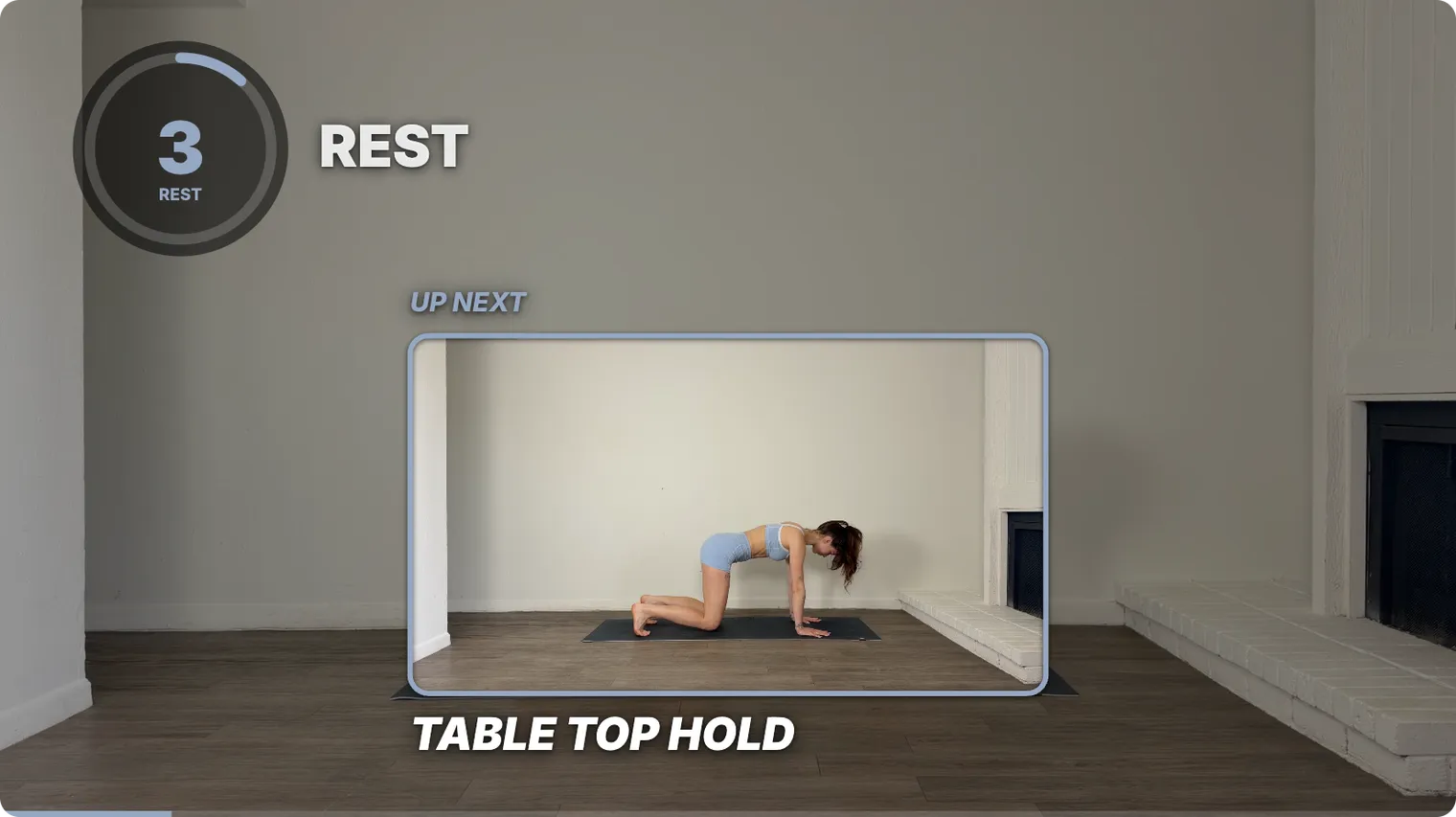
Fit Cut Pro and SweatCut both put timers, exercise names and your logo on a workout video. They’re just built for different ways of working.
Fit Cut Pro is a workout video maker. It shines for live Zoom classes and for building videos from a library of exercise clips. SweatCut is a video editor for the follow-along you film in one take. It finds the exercises, lets you cut out the mistakes and places everything on screen for you.
The quick answer
| Fit Cut Pro | SweatCut | |
|---|---|---|
| Best for | Live Zoom classes and videos built from clips | Follow-alongs filmed in one take |
| Cutting your footage | Not part of it: “no timeline, no cuts”, in its own words | Cut anything out, and the timers adjust |
| Your footage | Uploaded for its AI Editor | Stays on your Mac |
| Runs on | A web browser | Mac |
| Price a month | $49.99, $99.99 or $199.99 | Free for one workout, then $19, $49 at launch or $199 |
Fit Cut Pro’s prices are as of September 2026.
Film once, fix it later
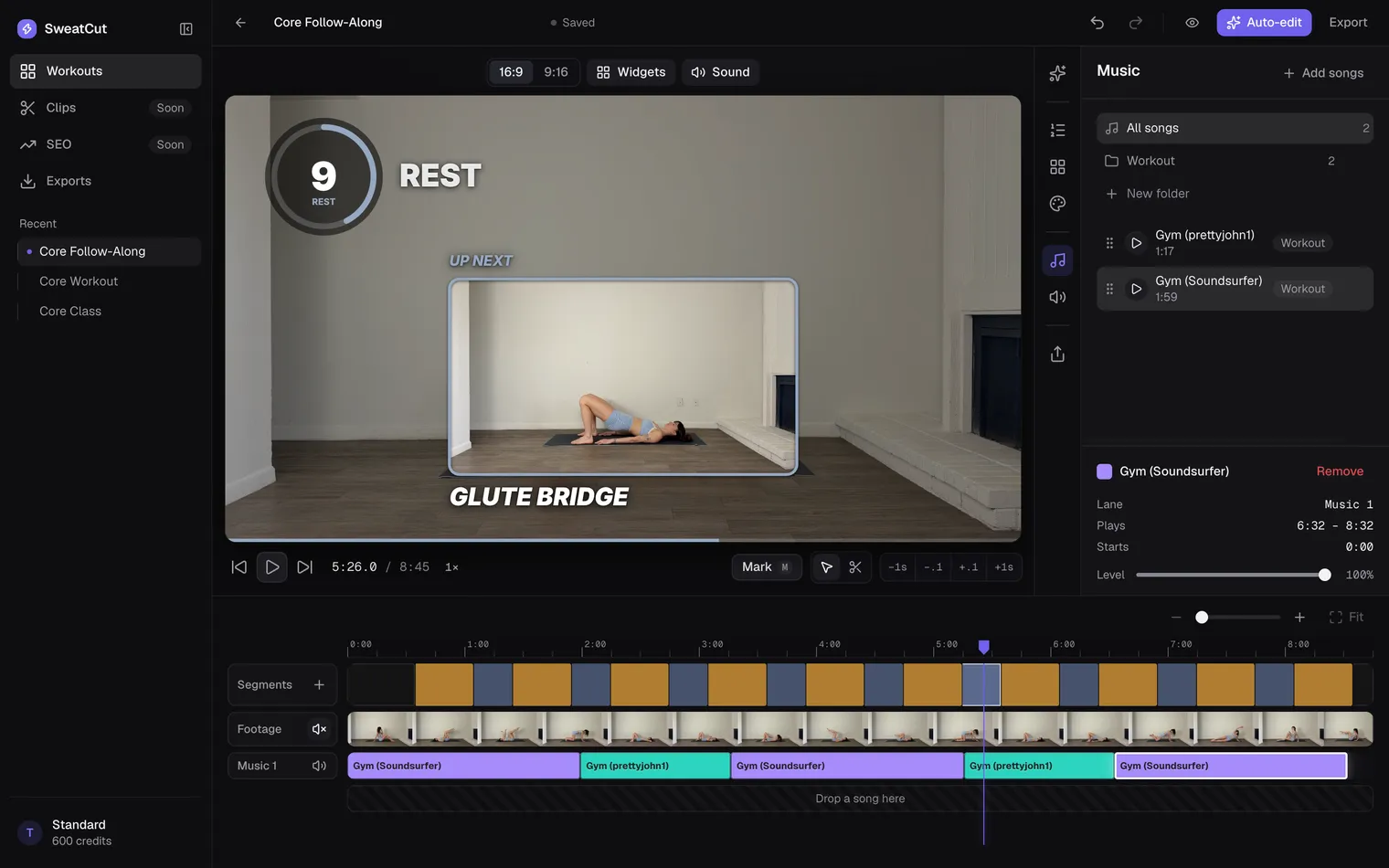
Lost count of a set at minute 38? Keep going. In SweatCut you cut the flub out afterwards, and the timers adjust themselves. Your video file never changes, so anything you cut can come back.
SweatCut does the rest of the edit for you
It finds every exercise
Tell auto-edit what you filmed, like “10 exercises, 30 seconds on, 20 off”. It watches your video and marks every exercise and rest by name. One press of Apply and the whole workout is marked.
Timers, names and up next, placed for you
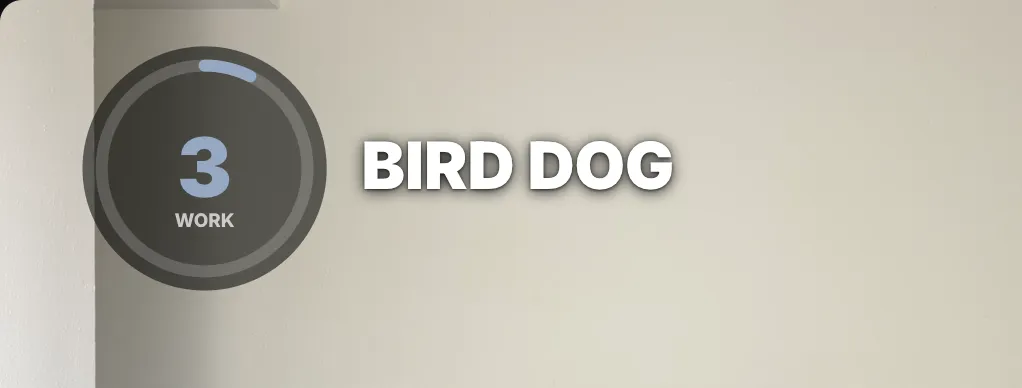
Every countdown, exercise name and up-next preview lands on the right moment. The last three seconds of every exercise and rest beep, and the number turns your brand colour. Add an intro and an outro from the Graphics panel to open and close the video in your brand.
Music that makes room for the beeps
Drag your own songs onto the timeline. They dip under every countdown and come back up on their own. Switch on Auto ducking in the Sound panel, and SweatCut also turns the music down while you talk and brings it back up when you stop.
Your footage stays on your Mac
SweatCut opens your video right where it is, so there’s no upload to wait on before you can start.
“Editing used to take me three hours a video. Now it takes ten minutes, and I don’t dread it anymore.”
Bella Forbes, fitness creator
Where Fit Cut Pro shines
- Live classes. Its Zoom app puts the timer, exercise names and the next exercise on your class while you teach. SweatCut doesn’t do live.
- Recording with the timer already on. Its Recorder draws the countdown over your camera as you train, so the video is done when you stop.
- Building from clips. Film each exercise once and make lots of workouts from the same clips.
It also runs in a browser, so it works on Windows and Chromebook too.
Price, side by side
Monthly prices, with Fit Cut Pro’s as of September 2026:
| Fit Cut Pro | SweatCut | |
|---|---|---|
| Try it | 7-day free trial | Free trial: one full workout, auto-edit included |
| Entry tier | Starter, $49.99 | Starter, $19 |
| Middle tier | Pro, $99.99 | Standard, $49 at launch (normally $99) |
| Top tier | Ultimate, $199.99 | Pro, $199 |
SweatCut costs less at every level, and at launch Standard is about half the price of Fit Cut Pro’s middle tier. Pay yearly and you get two months free. Every SweatCut tier exports up to 4K. Fit Cut Pro includes its AI Editor from the entry tier, while SweatCut’s auto-edit comes with Standard and Pro. Cancel any time, and every video you’ve exported stays on your Mac as an MP4, yours to keep. See SweatCut’s full pricing.
So which should you pick?
If you teach live on Zoom or build workouts from a clip library, go with Fit Cut Pro. If you film follow-alongs in one take on a Mac, pick SweatCut. It costs less at every tier, and you can edit one full workout free. For more options, see the best video editors for fitness creators.
Questions
Is Fit Cut Pro a video editor?
Fit Cut Pro calls itself a workout video maker and a "no-edit video creator". It builds videos from exercise clips, records you with the timer on, runs a timer in live Zoom classes and adds graphics to a class you upload.
Is SweatCut cheaper than Fit Cut Pro?
Yes, at every tier: $19, $49 and $199 a month against Fit Cut Pro's $49.99, $99.99 and $199.99 (its prices as of September 2026). Standard's $49 is a launch price (normally $99), so for now it's about half the price of Fit Cut Pro's middle tier. SweatCut also has a free trial that covers one workout.
Can SweatCut run live Zoom classes?
No. SweatCut edits workouts you've already filmed. For live classes, Fit Cut Pro's Zoom app is the one to use.
Does SweatCut upload my footage?
No. SweatCut opens your video from your Mac and exports it there, so there's nothing to upload.